






Geometry Dash 2.2
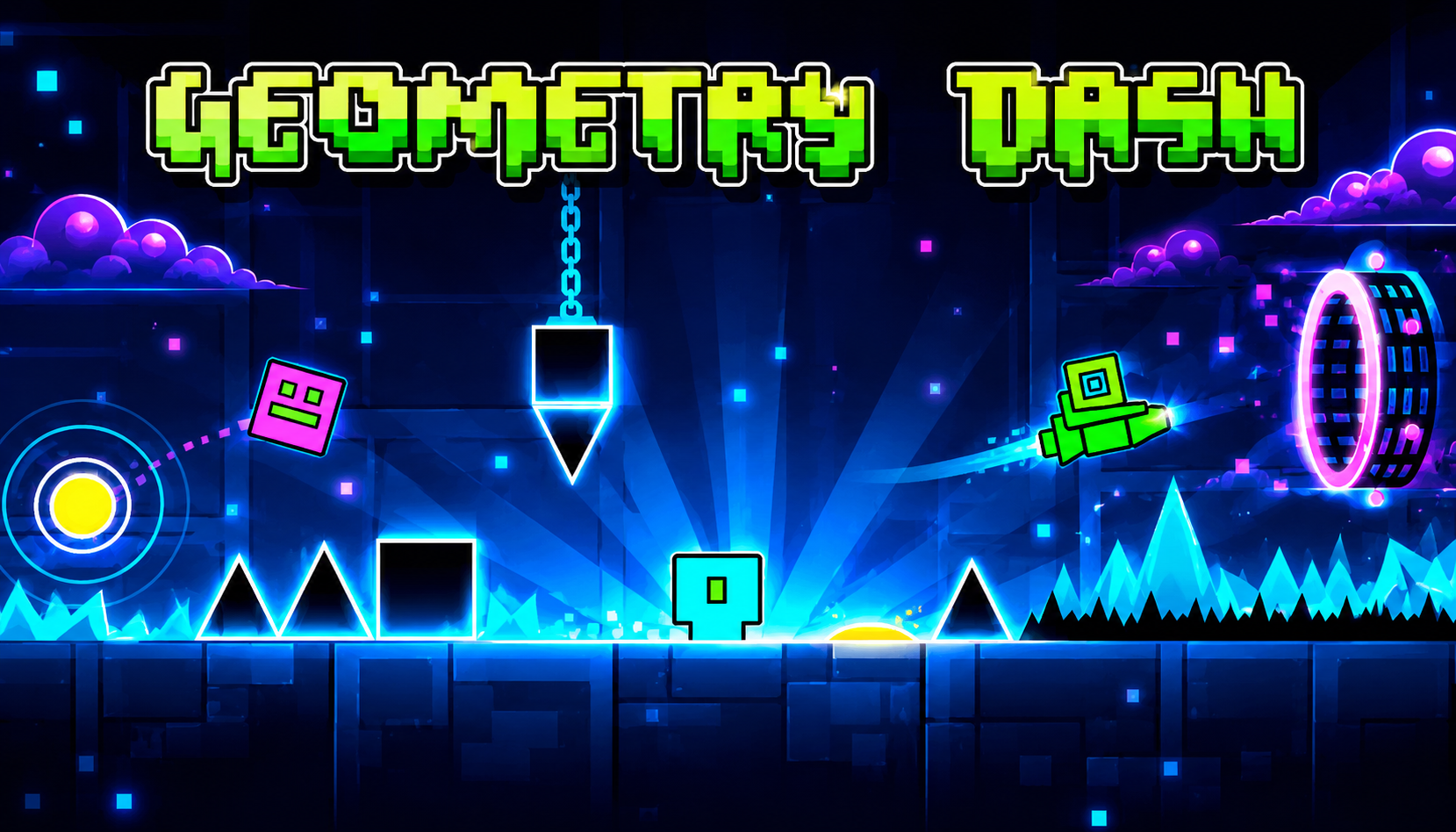
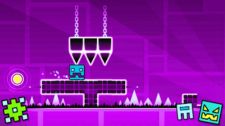
RobTop Games' historic Geometry Dash 2.2 update brought about a major breakthrough: Platformer Mode. Completely different from the traditional "auto-run" gameplay of older versions like Geometry Dash 2.1 or spin-offs such as Geometry Dash Meltdown and Geometry Dash SubZero, this mode allows you to freely move left, right, and stop at will.
1. Control Mechanism in Platformer Mode GD 2.2
To conquer the Platformer levels, the first thing you need to do is memorize the button layout. Depending on your device, the controls will differ:
On PC
You can choose from two ways to set up the buttons for your comfort:
- Method 1: Left Arrow / Right Arrow to move, Up Arrow or Space key to jump.
- Method 2: A key (Left), D key (Right), and W or Space key to jump.
On Your Phone
The screen will display intuitive virtual buttons:
- On the left side of the screen: Two arrows for navigation.
- On the right side of the screen: The Jump button. You can also tap anywhere on the right half of the screen to jump.
Transformations in Platformer Mode
Platformer mode applies a completely different physics engine to familiar transformations from Geometry Dash Lite or the original:
- Cube & Robot: Jump height depends on how long you hold the jump button.
- Ship & UFO: Left/right movement buttons control flight direction, jump button increases altitude.
- Ball & Spider: The jump button changes gravity up/down, allowing you to walk on the ceiling.
- Wave: Moves diagonally upwards when holding the jump button and downwards when released.
Easy Tips to Beat Platformer Mode for Gamers
Platformer mode requires puzzle-solving skills and dexterity, just like legendary games such as Super Mario or Celeste. Try these tips:
Utilize the pause-and-observe feature
No more pressure from scrolling screens! Stop in safe areas to observe the Camera Triggers ahead. Don't rush into hidden traps.
Master the "Coyote Time" technique
In GD 2.2 Platformer, the game allows you to jump even when the block has already passed the edge of the block by a very short time. Use this to cross long gaps without fear of falling.
Hunt for Moons instead of Stars
Platformer levels don't award Stars as usual, but instead reward Moons. Collecting enough Moons will unlock new Gauntlets and hundreds of exclusive Icons in the Mystery Shop.
Practice beforehand with Custom Levels from the community.
If the official levels are too difficult, go to the Search section, filter Platformer mode, and select Easy or Normal difficulty to get used to the new physics pace before challenging yourself with the Demon levels.
Conclusion
The Platformer mode in Geometry Dash 2.2 has ushered in a new era for the gaming community and map developers. Hopefully, this guide will help you easily master the controls and quickly sweep all the titles in the game!
FAQs
Q1: Why don't I receive Stars when I win a Platformer level?
A: This is a new ranking system from the developer RobTop Games. To differentiate it from traditional auto-play gameplay, all Platformer levels will reward you with Moons instead of Stars upon completion. However, they will still count towards your overall score.
Q2: Can I create my own Platformer levels?
A: Absolutely! In the Level Editor of version 2.2, simply go to the level settings and change the gameplay option from Normal to Platformer. The system will then automatically activate the free-movement physics, allowing you to design your own map.
Q3: Is it easier to play Platformer mode on a keyboard or touchscreen?
A: This depends on individual preference. However, most professional gamers agree that playing on PC offers greater accuracy when performing consecutive jumps. Meanwhile, playing on mobile is more convenient and intuitive thanks to the simulated button layout directly on the screen.